¶ Sign Up
To sign up, follow the steps below:
-
Navigate to platform.vvaciot.com.
-
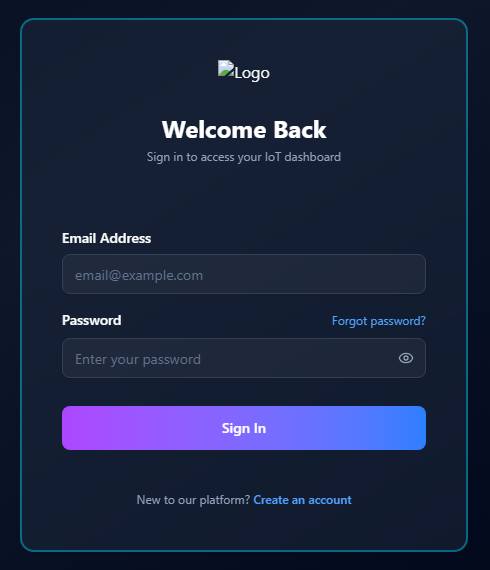
On the login page, click Create an account (below the Sign In button).
-
On the Create Account page (
platform.vvaciot.com/register/), enter your Name and Email Address, then click Sign Up. If you already have an account, click Sign in to go back to the login page.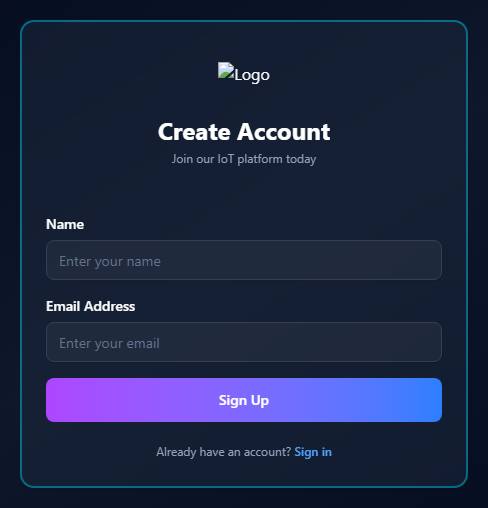
-
A Check Your Email confirmation screen appears, letting you know an email with an OTP and a link to set your password has been sent to the address you provided. Click Back to Login to close it.
-
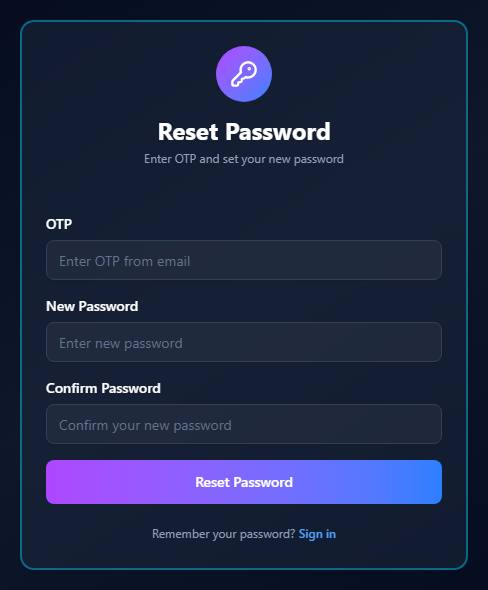
Open the email and click the link. This opens the Reset Password page (
platform.vvaciot.com/resetpassword/). -
Enter the OTP from the email, then enter your New Password and repeat it in Confirm Password. The password must include uppercase and lowercase letters, numbers, and special characters.
-
Click Reset Password. You'll be redirected to the login page, where you can sign in using your email and password.
Note: Registration is now a single Name + Email form (the old separate username field and in-page verify-code step have been replaced — verification and password setup now both happen via the link emailed to you).