¶ GeoMap
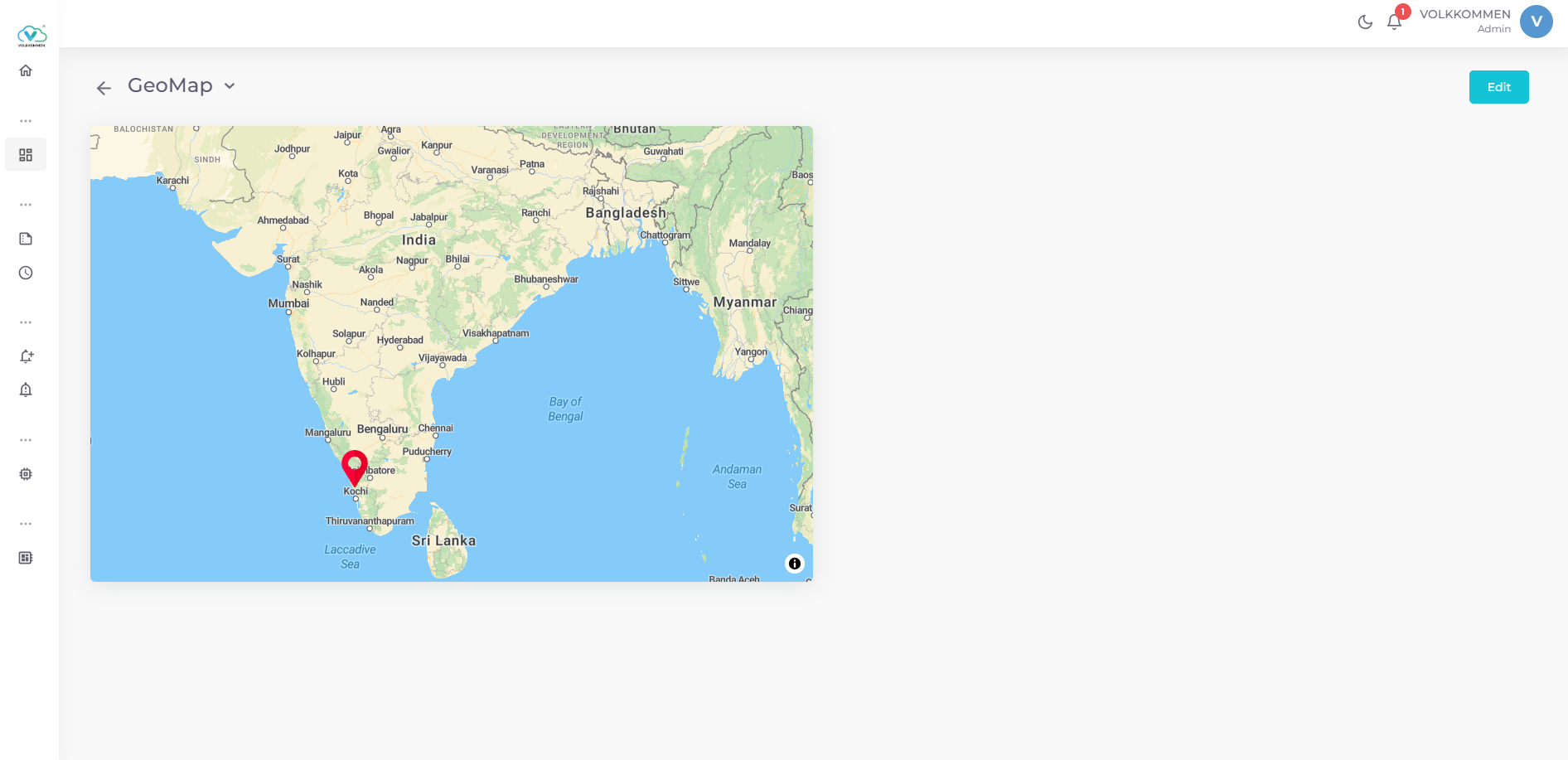
A widget to display device statuses on an interactive geographic map with customizable markers.
¶ Overview
The GeoMap Widget visualizes device statuses on a map using markers placed at specified coordinates. It is ideal for monitoring devices across geographic locations, such as IoT devices in different regions or facilities.
Key Features:
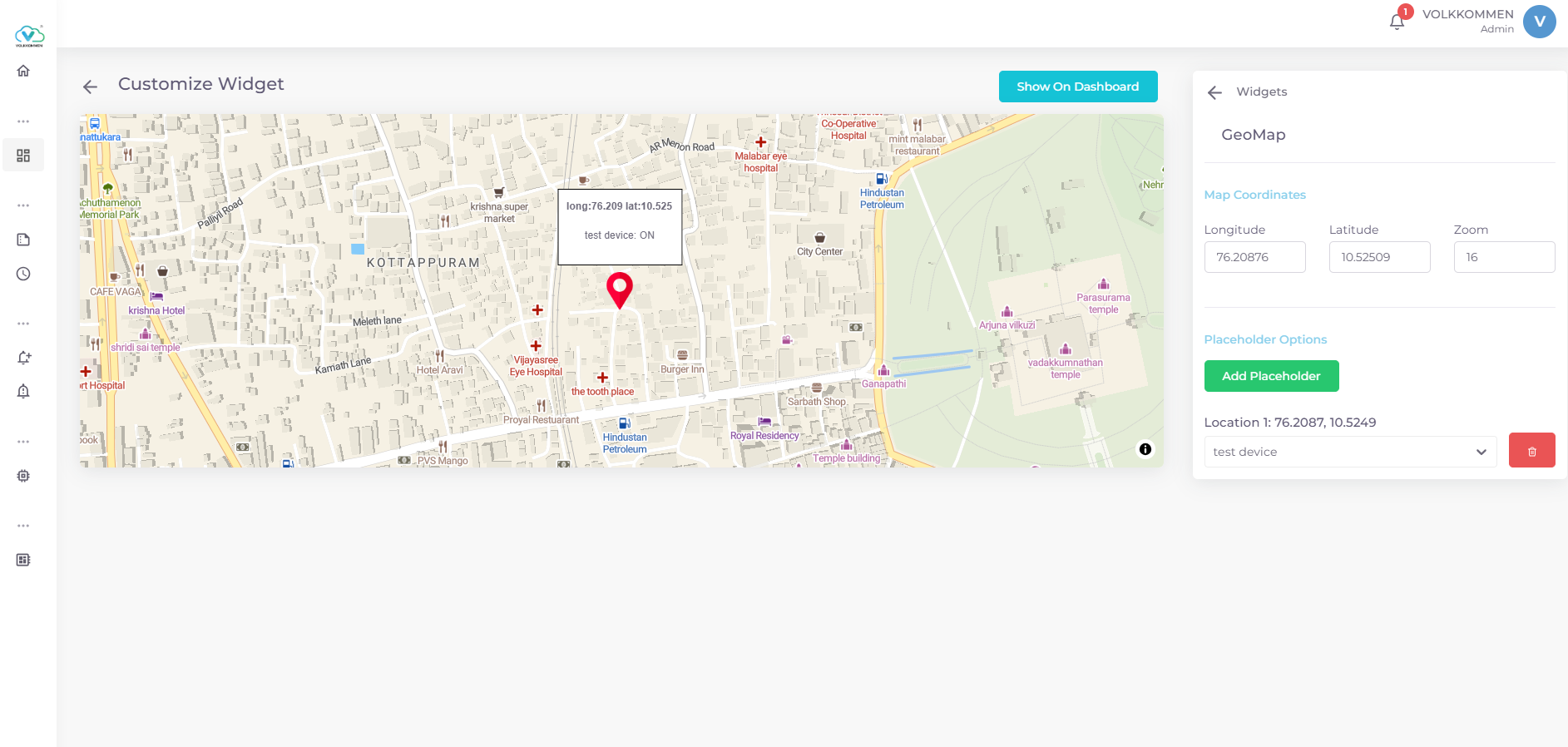
- Displays a map centered at user-defined coordinates with adjustable zoom.
- Add markers (placeholders) to represent devices at specific longitude and latitude coordinates.
- Markers show device name and status (ON/OFF) in a tooltip on hover.
- Add new markers by clicking on the map in edit mode.
- Supports real-time device status updates.
¶ Data
Device Selection:
- Use dropdowns at the bottom of the configuration panel to select devices.
- Each marker is linked to one device, displaying its real-time status (ON/OFF).
- Data is fetched in real-time.
Data Display:
- Markers show the device name and status in a tooltip when hovered.
- Coordinates (longitude, latitude) are displayed with three decimal places in the tooltip.
¶ Configuration
Map Coordinates:
- Longitude: Enter the map’s center longitude (e.g. 83).
- Latitude: Enter the map’s center latitude (e.g. 18).
- Zoom: Set the map’s zoom level (e.g. 10).
Placeholder Management:
- Add Placeholder: Click “Add Placeholder” and click on the map to place a marker at the clicked coordinates.
- Device Assignment: Select a device from the dropdown for each marker. Only unassigned devices are available.
- Delete Placeholder: Click the trash icon next to a marker to remove it.
Finalizing:
- Click "Show on Dashboard" to display the widget.
- In edit mode, use "Edit" or "Delete" buttons in the top-right corner to modify or remove the widget.